Engineering Dispatch . Case Teardown
Best Image Optimizer for WordPress: Top Tools to Boost Your Site’s Speed
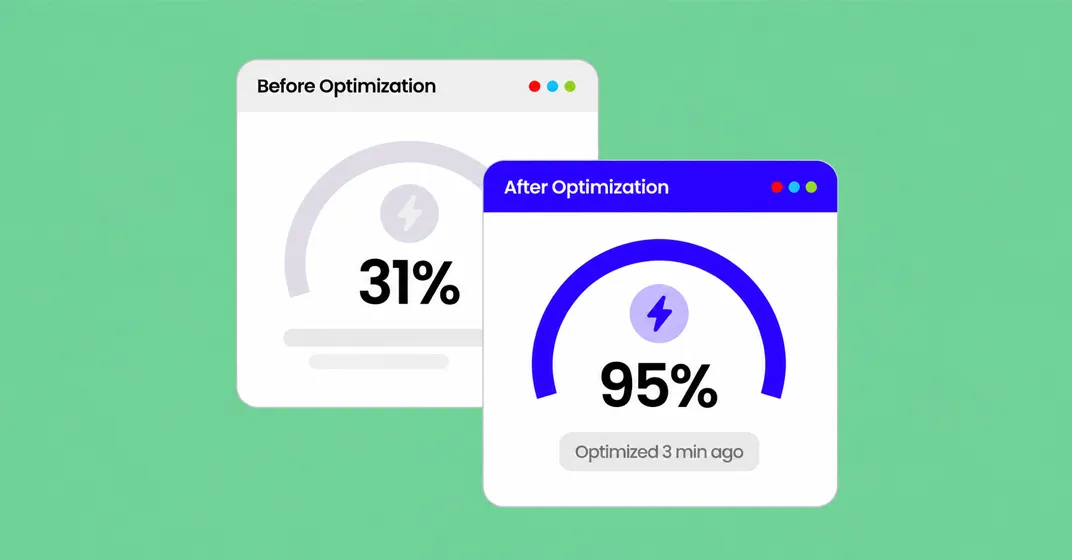
Large, unoptimized images can slow down your WordPress website and affect user experience. The right image optimization tools help reduce file sizes, improve loading times, and maintain visual quality. Here are five key things to consider when choosing an image optimizer.
1. Smush
Optimize images, compress files, and improve website performance with an easy-to-use WordPress plugin.
2. ShortPixel
Reduce image sizes with lossy, glossy, and lossless compression options while maintaining visual quality.
3. Imagify
Automatically optimize images and convert them into modern formats such as WebP and AVIF.
4. EWWW Image Optimizer
Compress existing and newly uploaded images with flexible optimization settings.
5. Optimole
Deliver optimized images through a cloud-based service with automatic resizing and responsive image delivery.
At Digiaxo, we believe website performance starts with the details. Optimized images help create faster-loading pages, smoother browsing experiences, and better-performing WordPress websites.